
Notice a learning barrier
Fictional observation: “The learner completed the first step after the page was simplified.”
Focused development demonstrations for adapted teaching, early support, safe handoffs and adult-approved communication.
Do not enter real pupil information, safeguarding disclosures, medical information or sensitive school data.
Fictional observation: “The learner completed the first step after the page was simplified.”
Reduced information, one instruction at a time, visual timetable and replay.
Record what helped. Do not create an automated SEN label or diagnostic conclusion.
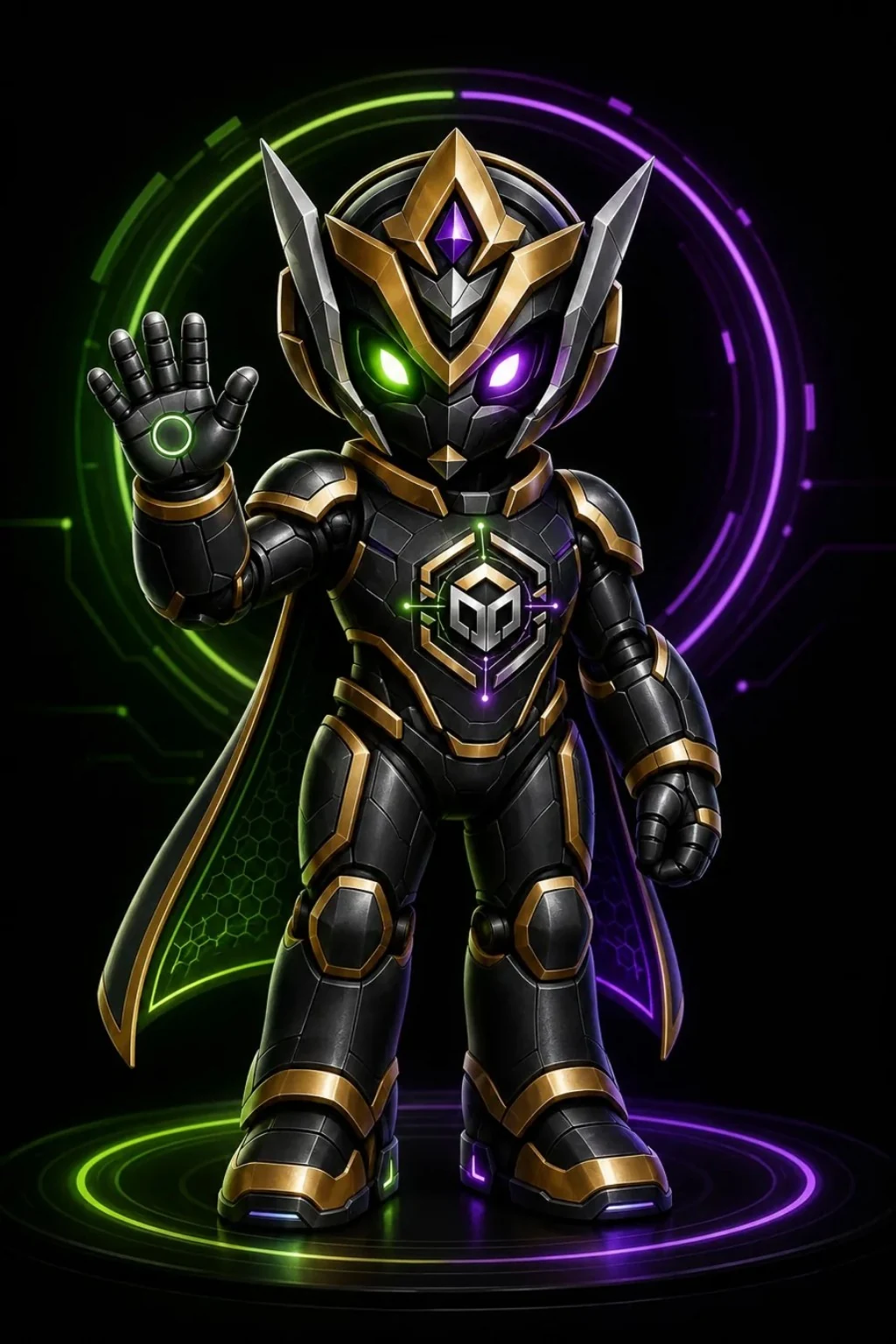
Introduces what the learner will learn.
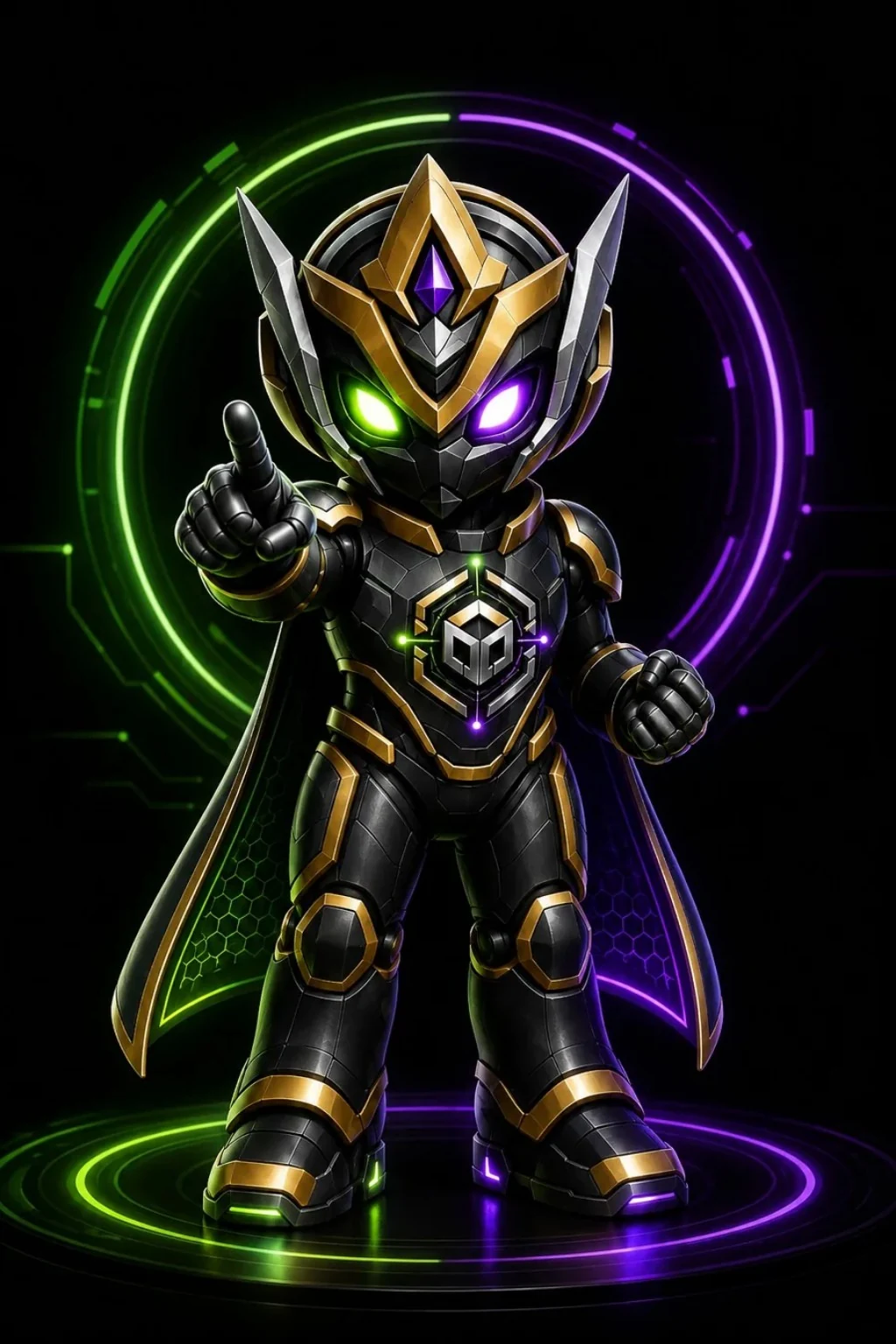
Shows a worked example and one next step.
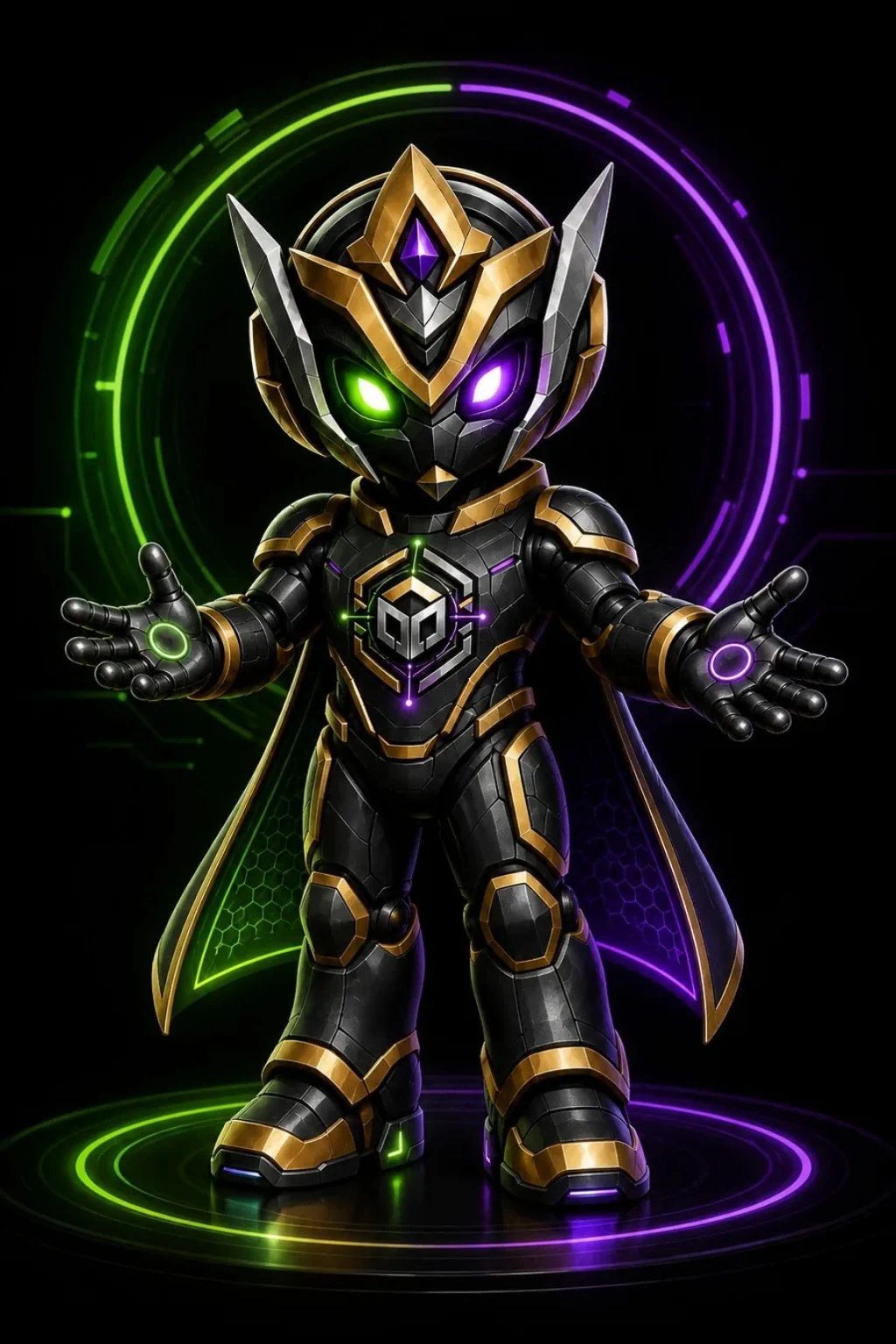
Changes the help after another attempt.
VexSpark™ is not open chat. It cannot browse the web, contact strangers, access other roles or collect personal information.
Where there is an immediate risk of harm, follow the school’s safeguarding and emergency procedures. Do not rely on the App as the only form of response.